Time Tracking for Side and Hobby Projects
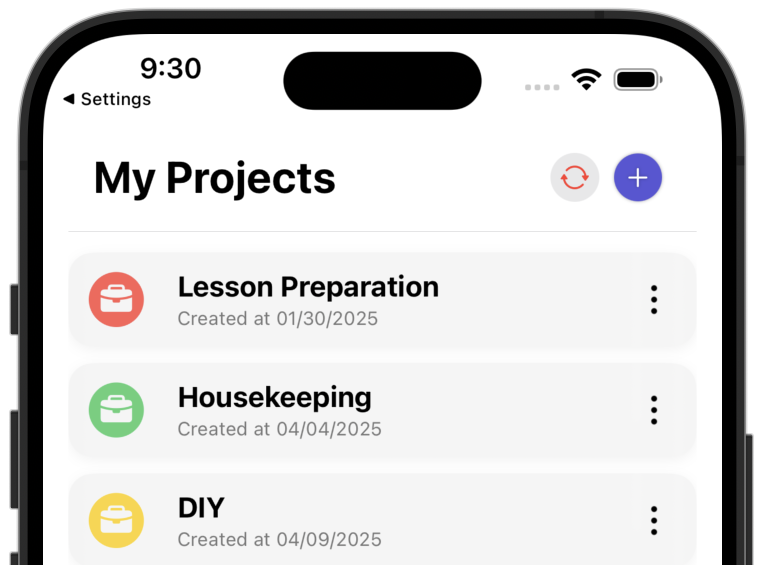
The Problem: You Don't Know How Much Time Is Really in Your Project
You're working on a side project or hobby project and want to know how much time you actually invest. But most time tracking apps are made for business – too complex, too expensive or with features you don't need.
Many people skip time tracking for private projects because existing tools are too bloated. This leads to problems: You don't know how much time is really in your project, can't assess your progress and lose track.
Common Problems Without Time Tracking
- No overview: You don't know how many hours you actually invest in your project.
- Too complex tools: Many time tracking apps are made for business and overloaded with features.
- Too expensive: Business tools often cost monthly subscriptions that aren't worth it for private projects.
- No visualization: You don't see how your time investment develops over time.
- No motivation: Without an overview of your progress, you quickly lose motivation.
What a Simple Solution Should Look Like
Time tracking for side and hobby projects must be simple: track time, visualize and provide an overview – without business overhead, without complex features, without monthly costs. You create a time entry and immediately see how much time has gone into your project.
Why ProjectTimeTracker Is Exactly the Right Tool
ProjectTimeTracker is a native iPhone app that does exactly what you need – track time and visualize it, without business overhead. Learn more about how the app works.
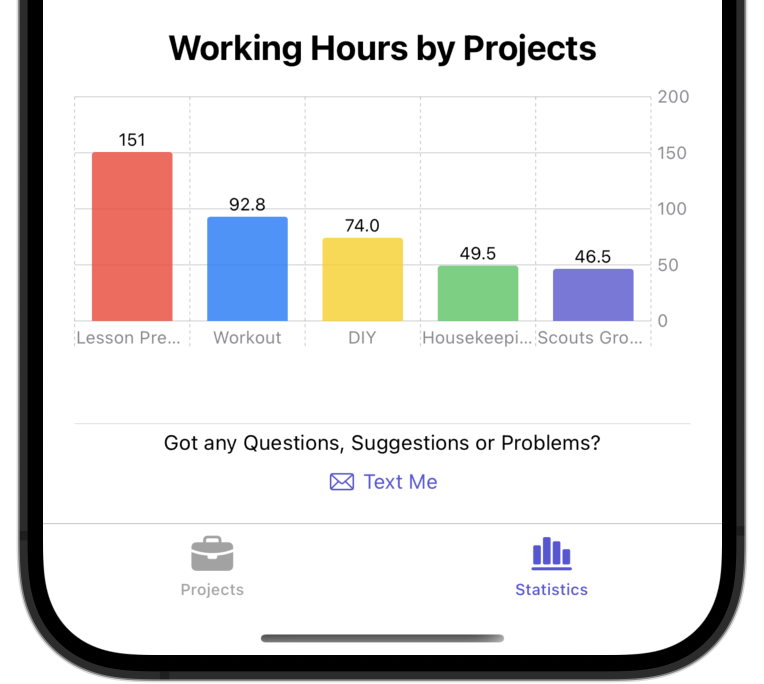
Track and Visualize Time
Track your working hours simply and quickly. The app visualizes your tracked times in clear statistics and charts. So you see at a glance how much time has really gone into your project.
Simple and Straightforward
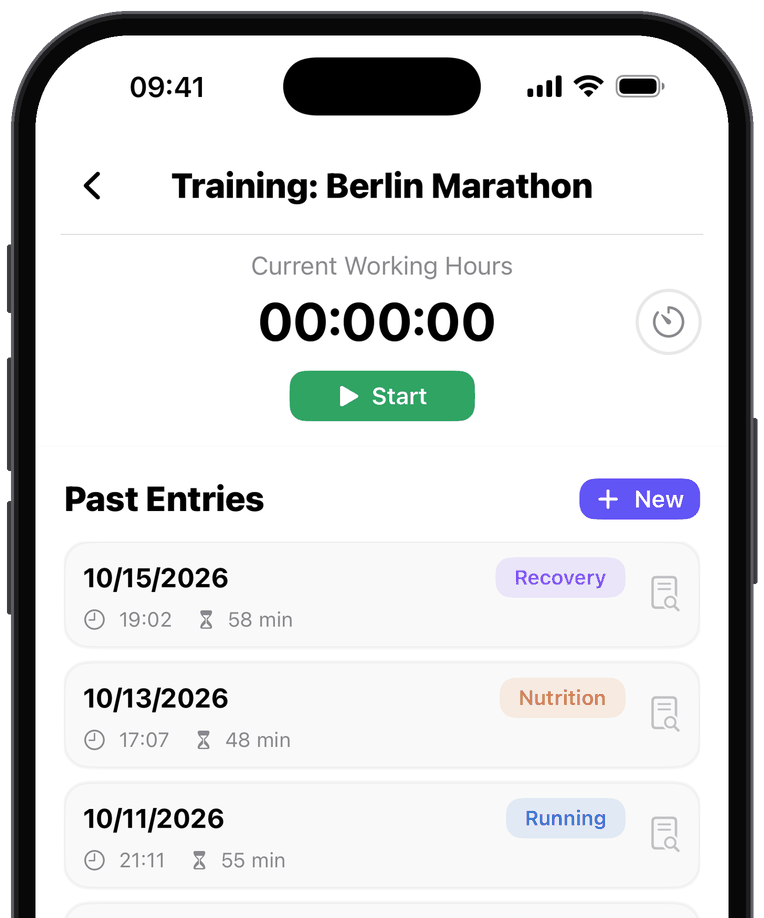
No complicated setup and no business features. ProjectTimeTracker is a native iOS app that does exactly what you need – track time for your project, nothing more, nothing less.
Private and Secure
Your data is anonymized and stored securely on a server in the EU – only for backup and easy setup on new devices. No monitoring, no control, no sharing with third parties.
Frequently Asked Questions
Is the app free for hobby projects?
Yes. The free version includes unlimited projects, all statistics and up to 250 time entries per year – enough for most side and hobby projects. There are no ads.
Can I track several projects in parallel?
Yes. Create as many projects as you like and assign each time entry to one of them. The statistics show how your time is split across projects.
Do I need an account?
No. There is no registration, no email address and no password. The app links your data to the user identifier of your Apple account (iCloud) – just download it and start.
Does the app work offline?
Yes. Tracking, editing and reviewing your time all work without an internet connection. Backup and sync catch up as soon as you are back online.
Where is my data stored?
On your device, and for backup and sync on a server in the EU. Transfer is encrypted, and your data is linked only to the user identifier of your Apple account – no name and no email address. Your data is never passed on to third parties.
Get Started Now
ProjectTimeTracker is available in the App Store. Just download and get started – without business overhead, without complexity.
Download now on the App Store


Scan with your iPhone
4.9 out of 5 stars · 10 App Store ratings
More Information: