Time Tracking for Freelancers on iPhone – Simple & No Overhead
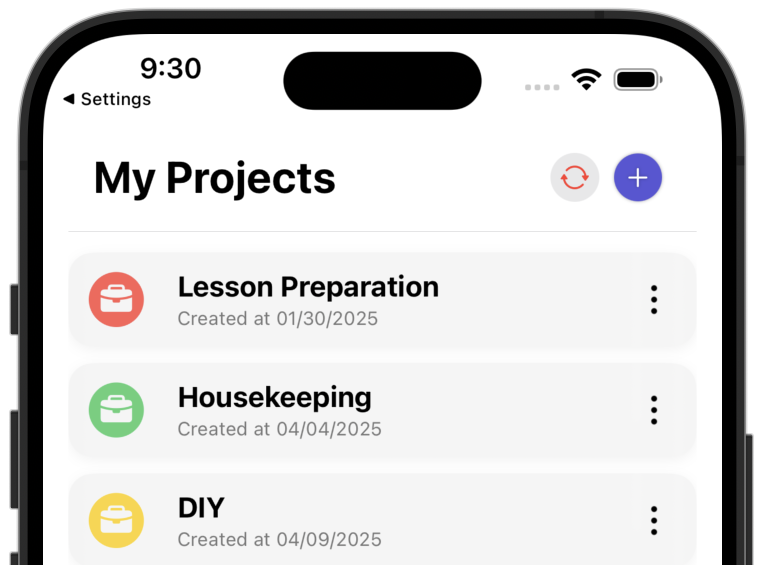
The Problem: Invoices Without Proof, No Overview, Too Complex Tools
As a freelancer, you need time tracking that works – without complicated setup and without hours of training. You want to simply track your working hours, get data for invoices and keep an overview of your projects.
Common Problems Without Time Tracking
- Invoices without proof: When clients question billed hours, you lack documentation.
- No overview: You don't know how much time you actually invest in projects.
- Poor estimation: Without data from past projects, you estimate future efforts incorrectly.
- Too complex tools: Many time tracking apps are overloaded with features you don't need.
- No transparency: Clients don't see how much effort went into individual tasks.
- Overload: Without time tracking, you notice too late when you're working too much.
What a Simple Solution Should Look Like
Time tracking for freelancers must do three things: track time, export data and provide an overview. That's it. No complex workflows, no unnecessary features.
You create a time entry, assign it to a project and can export the data later – for invoices, for clients or for your own planning. That's it.
Why ProjectTimeTracker Is Exactly the Right Tool
ProjectTimeTracker is a native iPhone app that does exactly what you need – nothing more, nothing less.
Project-Based Time Tracking
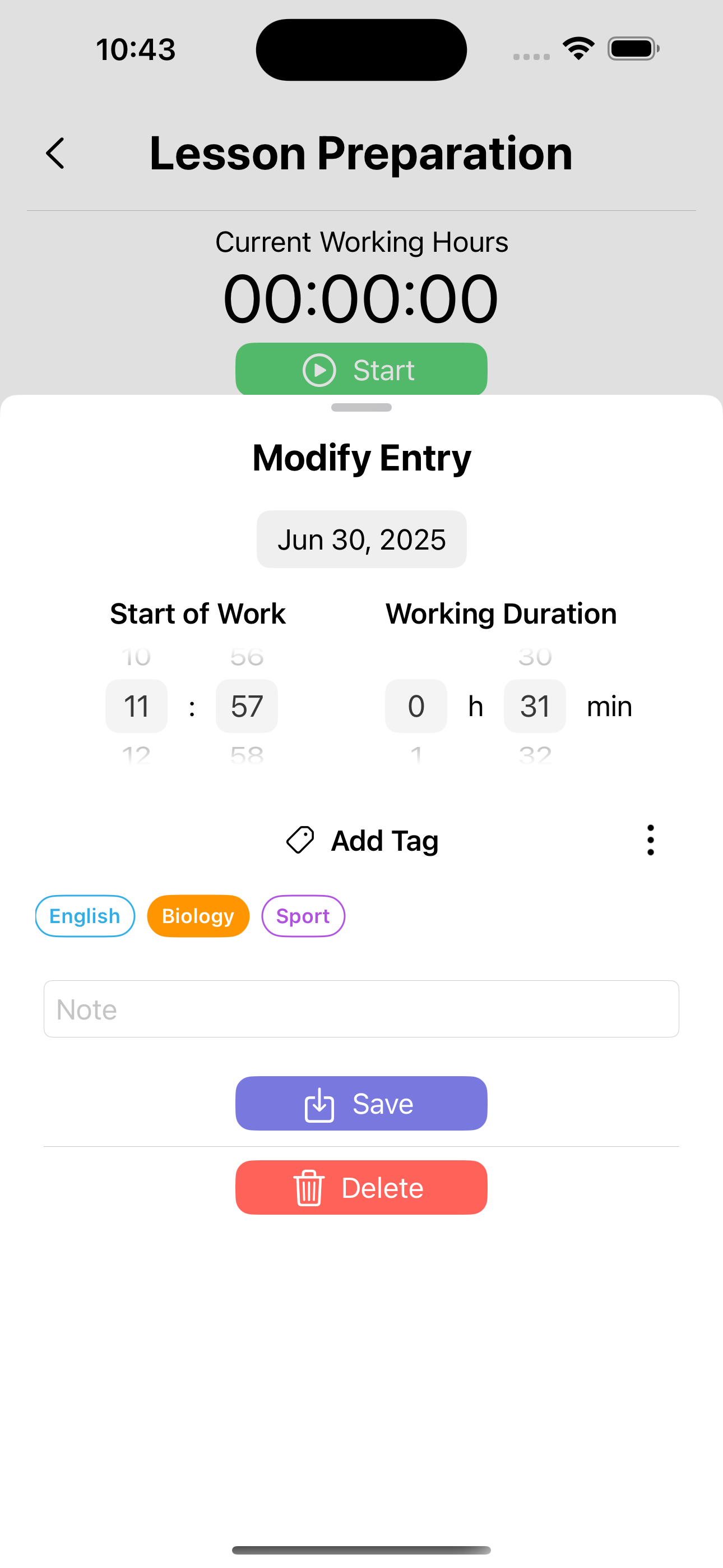
Track your working hours across multiple projects simultaneously. Each time entry is assigned to a project – so you keep an overview and get the data you need for invoices.
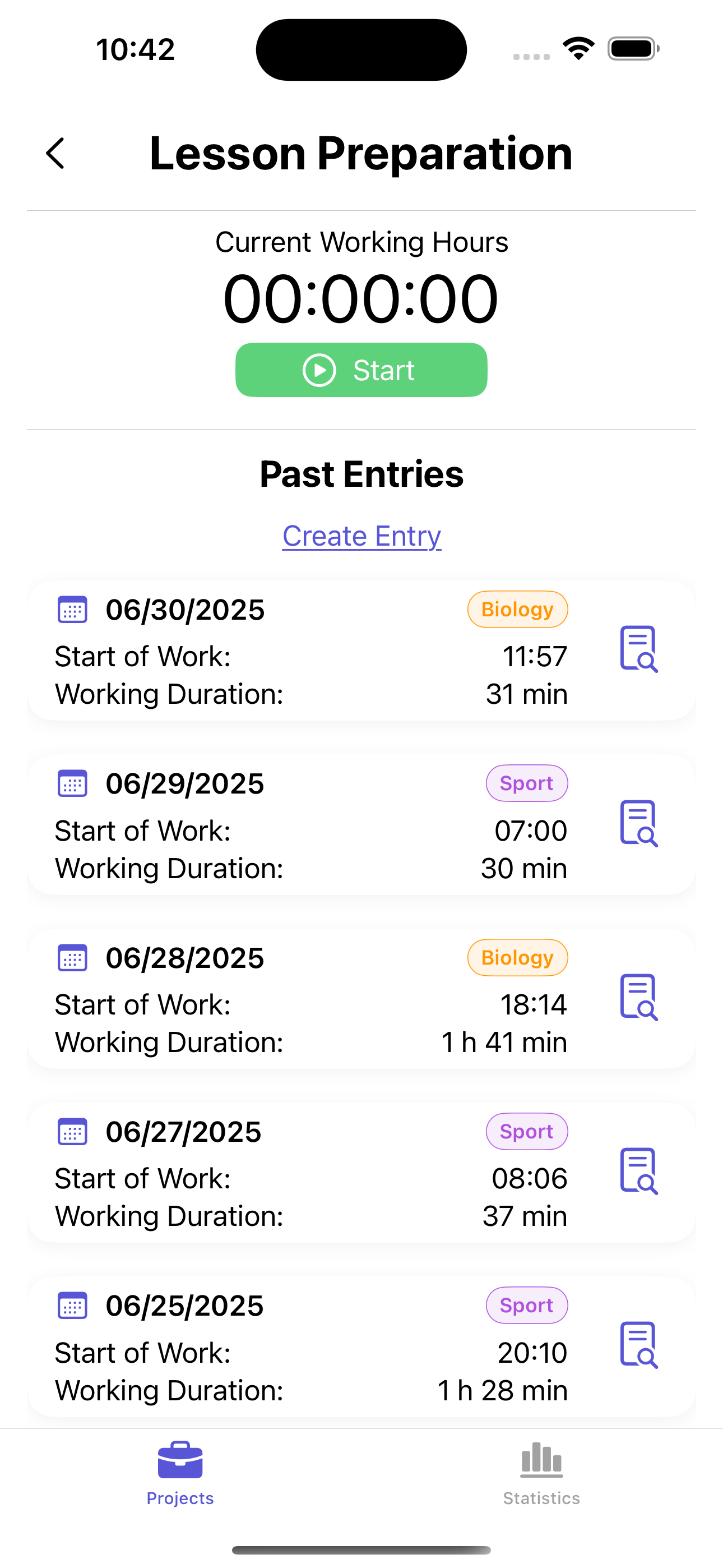
Export for Invoices
Export your time entries in five formats: as an Excel workbook (.xlsx), as a printable PDF with a per-project summary, as a calendar file (.ics), as CSV for further processing, or as a complete backup (JSON). The file goes out via AirDrop, email or to the cloud and can work directly as the basis for your invoices. With tags on each entry, you see transparently how much time went into which task – perfect for creating invoices. Afterwards, mark the exported entries as invoiced.
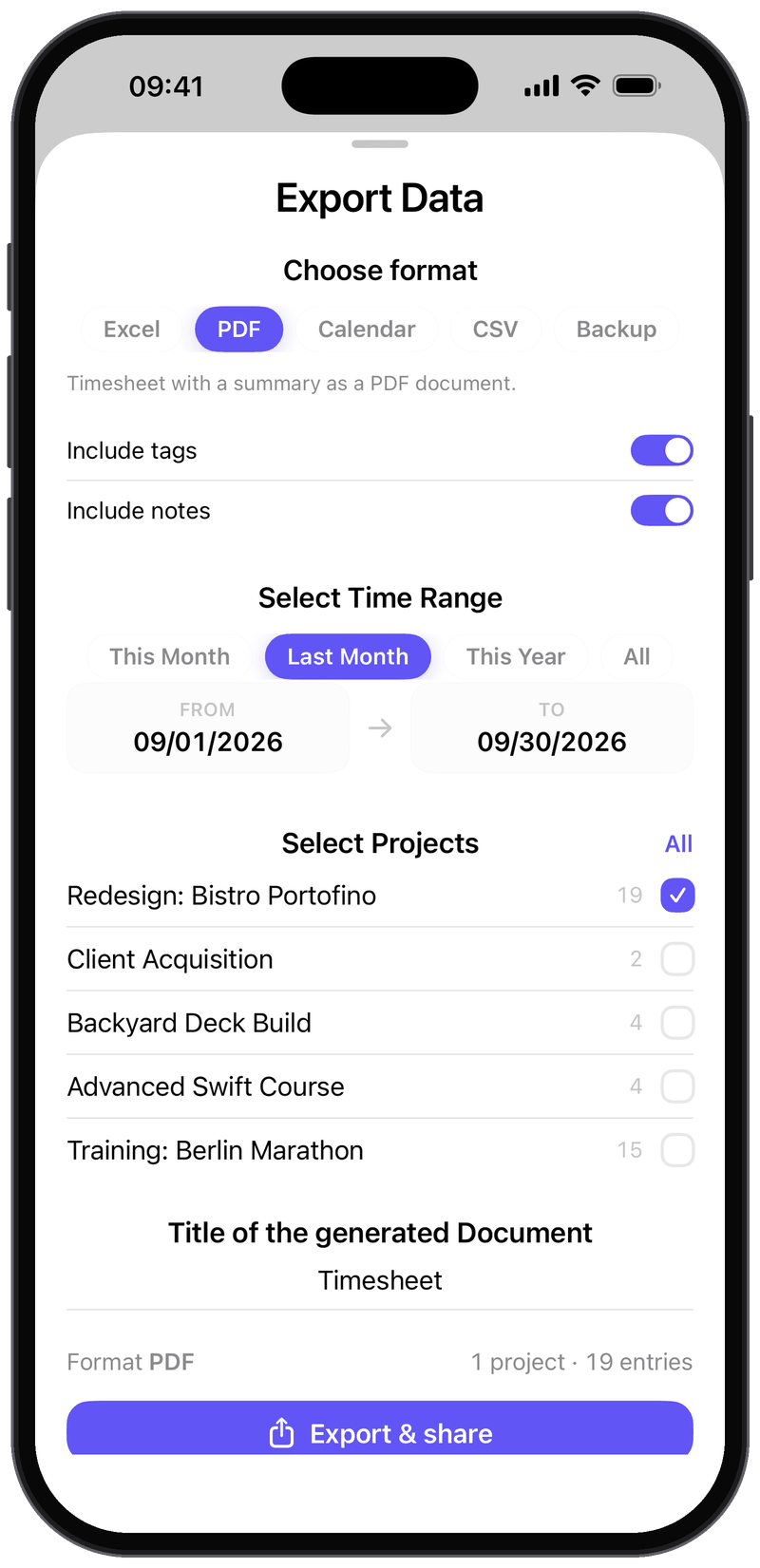
Statistics for Better Planning
See at a glance how much time you work per week and month. Recognize trends, avoid overload and use the data for future project estimates.
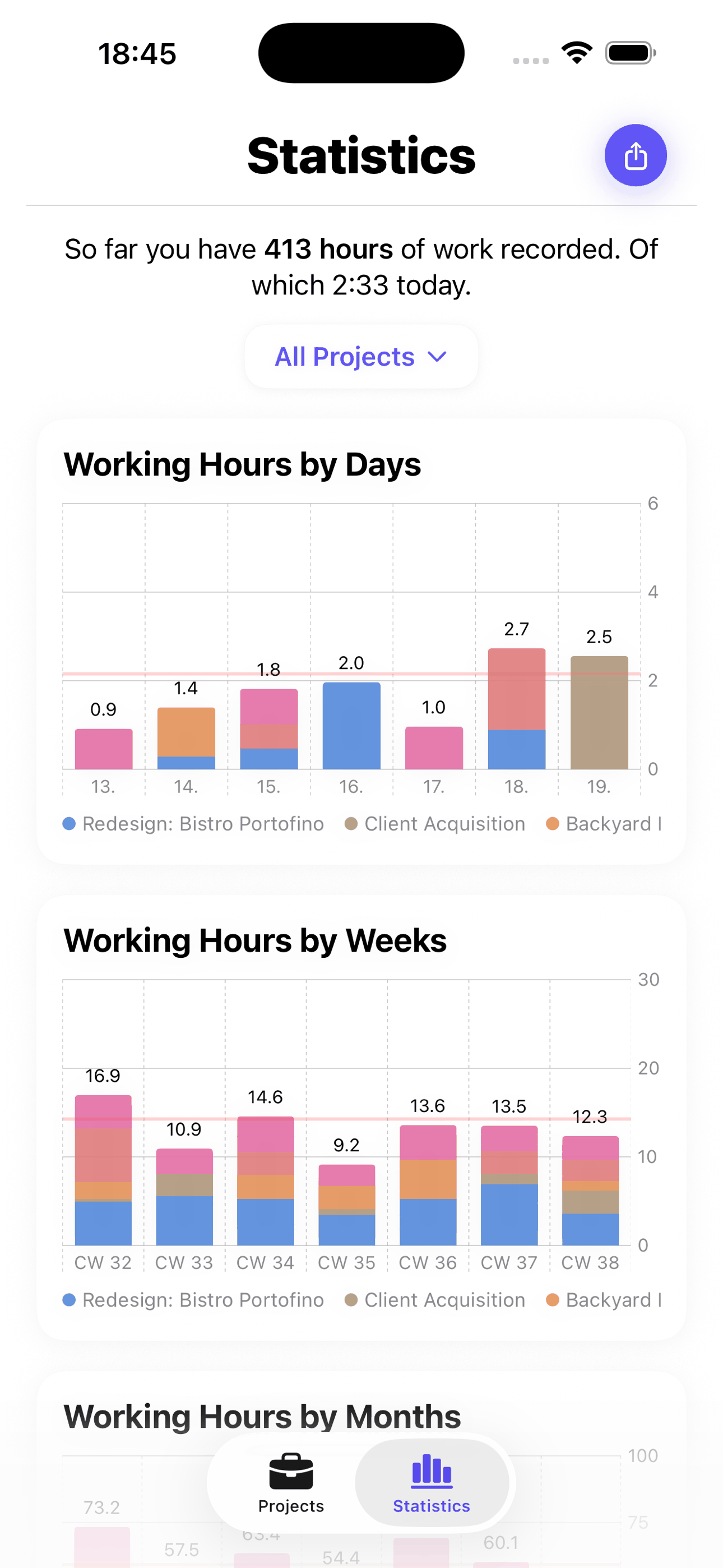
Simple and Fast
No complicated setup, no unnecessary features. ProjectTimeTracker is a native iOS app that does exactly what you need – time tracking without overhead.
Frequently Asked Questions
Can I export my hours for invoicing?
Yes, with Premium: as an Excel workbook (.xlsx), as a printable PDF with a summary per project or as CSV. Mark exported entries as invoiced – on the next export you can leave them out and bill only the open hours.
Does the timer keep running when I close the app?
Yes. The stopwatch keeps running even if you quit the app or restart your iPhone, and it stays visible as a Live Activity on the lock screen and in the Dynamic Island. If you forgot to stop it, just correct the entry afterwards – or add it manually in the first place.
Do I need an account?
No. There is no registration, no email address and no password. The app links your data to the user identifier of your Apple account (iCloud) – just download it and start.
Does the app work offline?
Yes. Tracking, editing and reviewing your time all work without an internet connection. Backup and sync catch up as soon as you are back online.
How much does ProjectTimeTracker cost?
The app is free – with unlimited projects, all statistics and up to 250 time entries per year. Premium costs €2 per month or €15 per year and adds unlimited time entries and data export. Both plans come with a 7-day free trial.
Get Started Now
ProjectTimeTracker is available in the App Store. Just download and get started.
Download now on the App Store


Scan with your iPhone
4.9 out of 5 stars · 10 App Store ratings
More Information: